

Bringing a whole team together in December can mean paying for flights and hotels, coordinating time away from work and asking people to travel during a busy season. For organisations with colleagues across countries, travel disruption, security concerns or changing plans can make a single physical gathering harder to arrange.
A virtual year-end event gives people a way to celebrate together without making the trip a condition of taking part.
The opportunity is to give colleagues a shared place to recognise the year and spend time with each other. For your 2026 celebration, keep the plan manageable: a few thoughtful thank-yous, a short hosted programme and space for conversations. Here is how that can look in MootUp.
Start with the people you want to recognise
Make collecting thank-yous a small task. Send team leads one question: “Who helped your team this year, and what did they do?” Ask for a name and two sentences, using a short form or a reply in your usual team channel. A shared slide deck with one slide per team is another easy option.
Pick three to five stories for the live session, or invite each team to give a one-minute thank-you. Look across roles and locations, check names and pronunciations, and ask whether recipients are comfortable being mentioned. A team shout-out works well for people who would rather stay out of the spotlight.
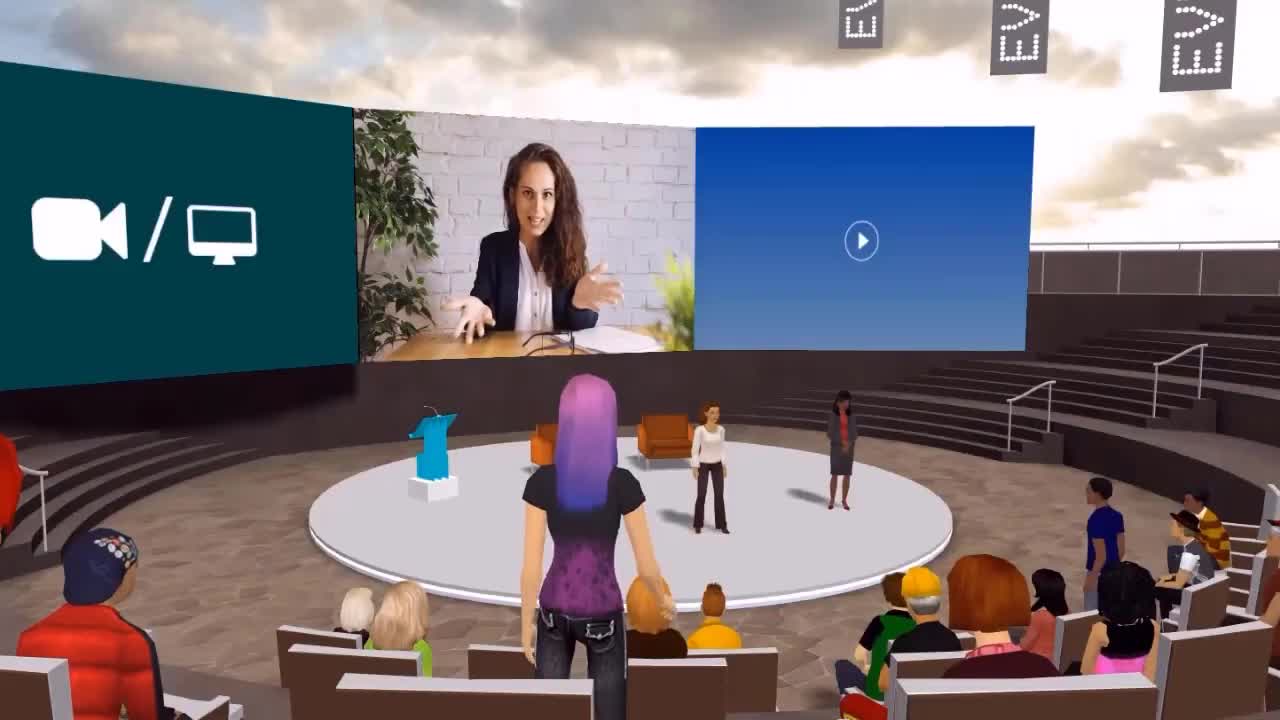
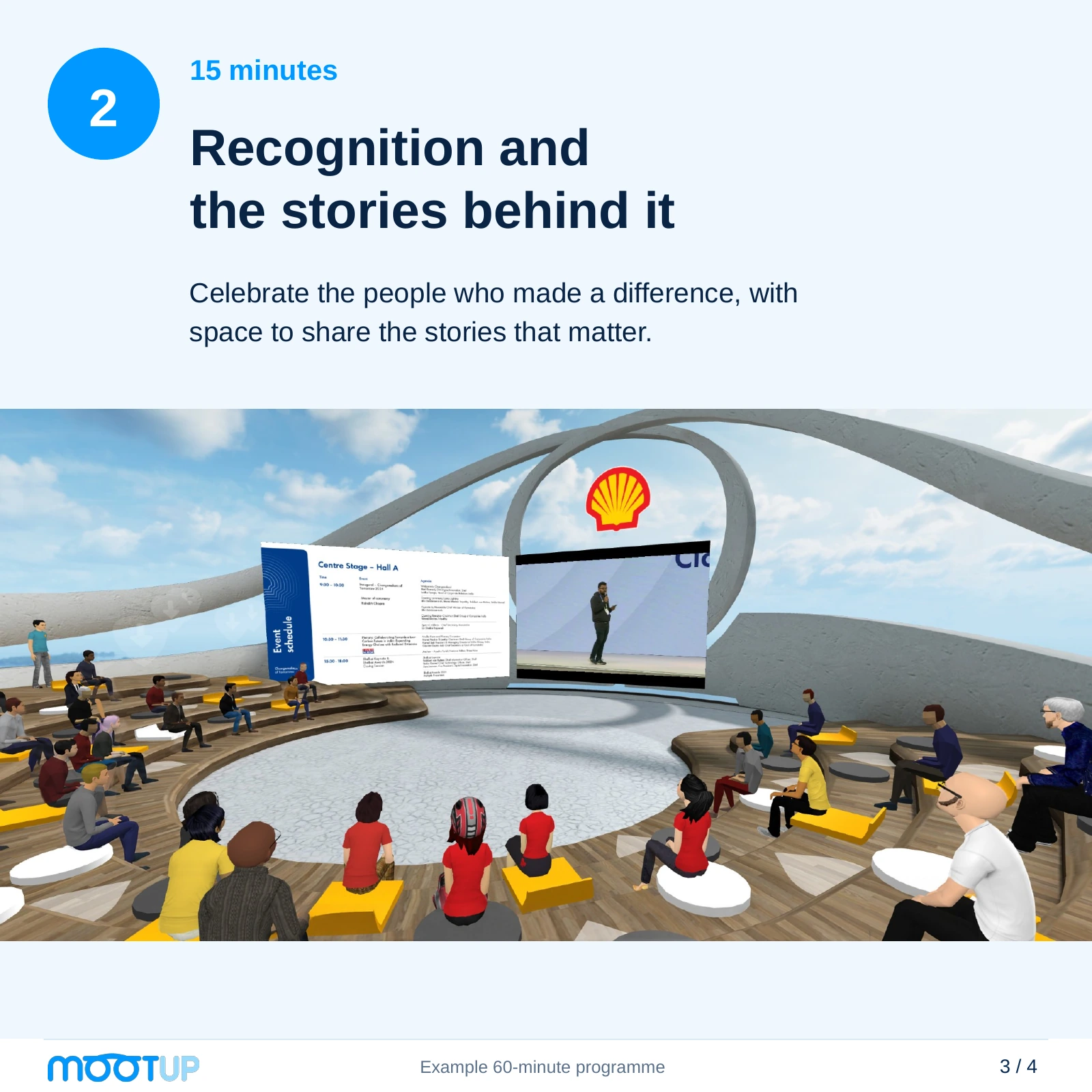
In MootUp, show a name, photo and short thank-you on the auditorium screen while the host tells the story. A leader can present on live webcam, with colleagues responding through applause and gestures. Reuse one branded slide layout for every story to keep preparation light.
Build a programme people can picture
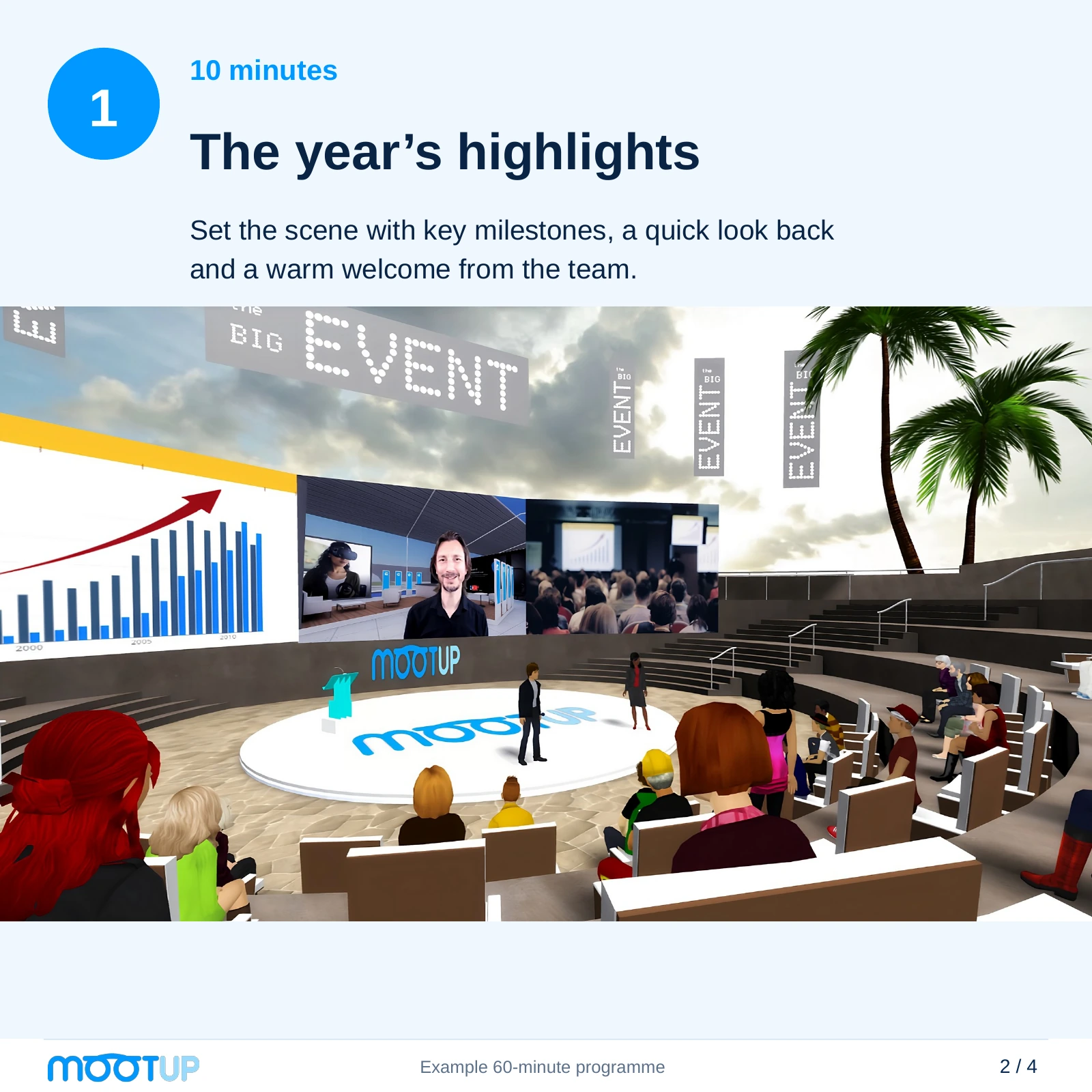
An hour is a useful starting point for a team gathering. It is long enough for a shared moment and some smaller conversations, while giving organisers a clear limit. For example:
- 10 minutes for the year’s highlights. Welcome everyone in the MootUp auditorium, explain the running order and share a few highlights on the main screen.
- 15 minutes for recognition. Use the same stage and a simple branded slide for each thank-you, leaving time for the room to respond.
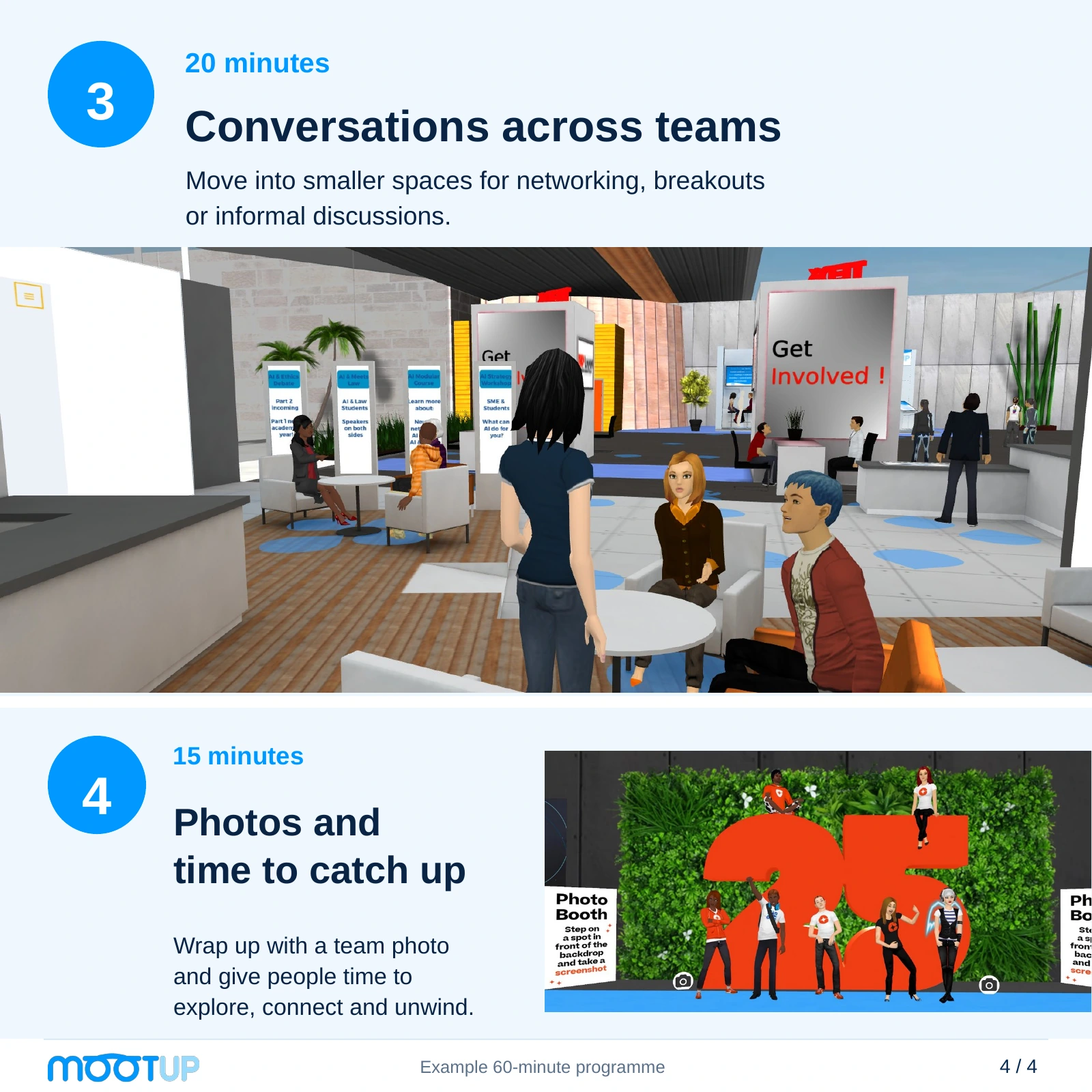
- 20 minutes for conversations across teams. Move into smaller MootUp spaces or use speed networking, with a host explaining where to go.
- 15 minutes for photos and catching up. Gather at the photobooth, stay in the lounge or offer one optional activity. Make the finish time clear.
Treat this as an example, not a fixed formula. A small team may want more conversation and fewer presentations. A larger awards programme may need longer, or separate regional sessions.
Include handovers in the running order so each speaker knows when to finish and guests know where to go next.
Give conversations a starting point
Think about who might benefit from meeting. New starters could meet colleagues outside their immediate team. People in different offices could compare what they have been working on. Project teams could reconnect with the people who helped them during a busy period.
A host can offer a prompt such as “Which team helped yours this year?” or “What did you learn from someone in another role?” Keep the groups small enough for everyone to have time to speak, and allow guests to stay with a conversation that is going well.
MootUp has smaller conversation spaces and speed networking alongside its presentation areas. Choose the format that suits your guests, and explain how it will work before the transition. A lounge for informal catch-ups may be a better fit than timed introductions for colleagues who already know one another.
Make the invitation useful
Send an invitation that helps people decide how to take part. Include the start time and time zone, the length of the hosted programme, the joining link and a short outline of what will happen. Say whether there will be optional social time afterwards and where guests can get help.
For a team spread across regions, check local working hours before choosing a date. If a single slot places the burden on the same group again, consider regional gatherings with a shared recognition segment. Explain how colleagues who cannot attend can still contribute a story or receive the thank-yous.
Ask about access requirements early. Check captioning, navigation, audio and device needs with your chosen provider, then test the arrangements with the people who need them. Make expectations about cameras, speaking and group activities clear. Give guests a way to participate without having to perform in front of everyone.
Rehearse the arrival as well as the presentations
Invite a few colleagues who have never used the venue to try the actual invitation and joining route. Watch what they do in the first five minutes. Can they open the link, find the welcome area, hear the host and join a conversation? Note where they hesitate and fix the instructions before inviting the whole team.
MootUp runs in the browser, with no download or headset needed. Its AI hosts can welcome guests in the lobby, answer questions about the agenda and help them find the right space. Give the host the event information it needs and test questions such as “What happens next?” and “How do I get to the auditorium?” before guests arrive.
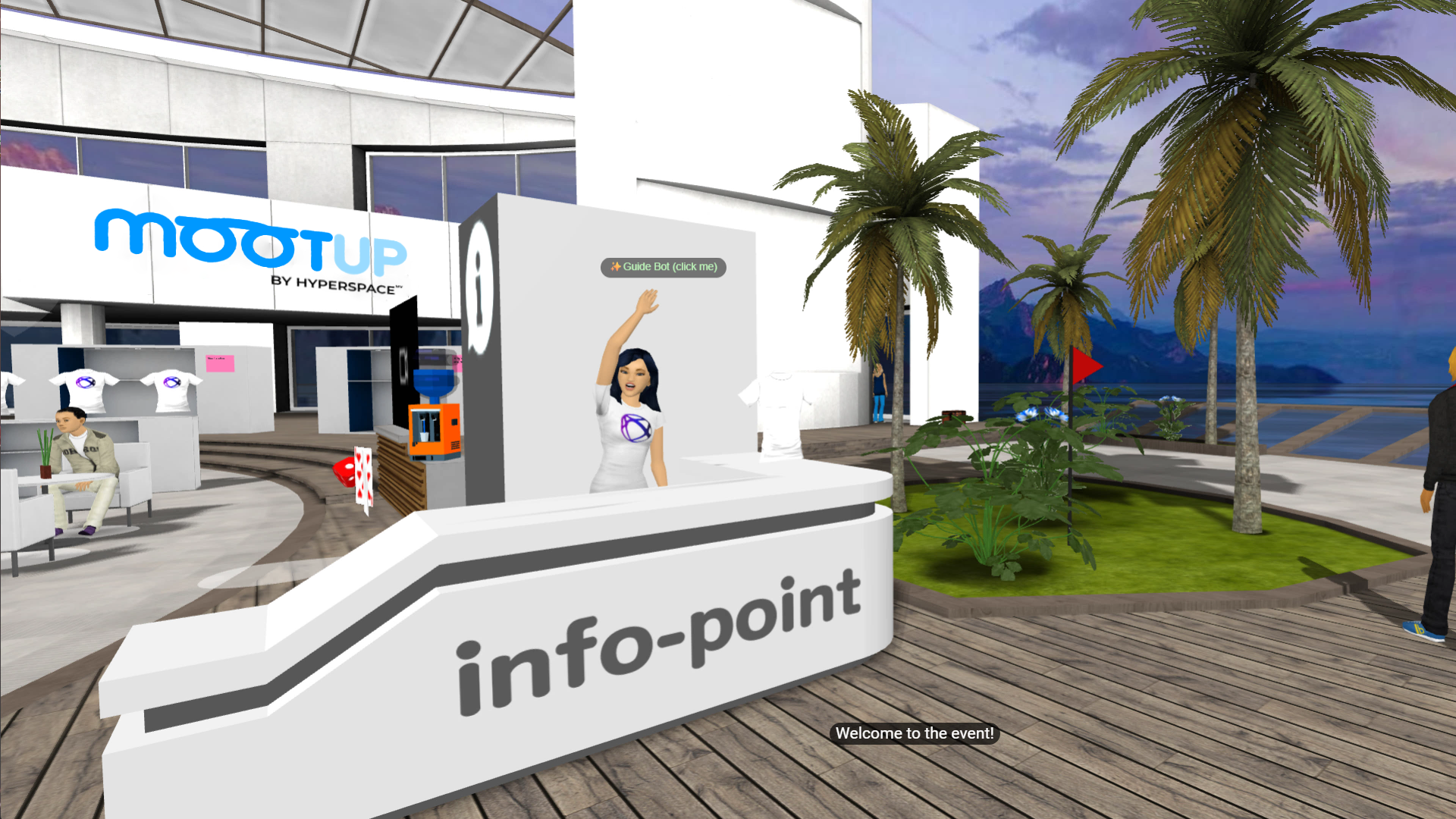
Keep the AI hosts clearly identified and show people where to reach a human organiser. During the rehearsal, check the joining route, sound and permissions on the devices and workplace networks your team will use. Include common platform questions in the host’s briefing, then check its answers against the current experience.
Then rehearse the handovers: who introduces each speaker, how award recipients join the moment, and how guests move into the social part. Assign someone to watch for questions while the host presents. Have a simple plan for a speaker losing connection, such as a co-host who can continue with the slides.
Match the venue and support to the plan
Start with a MootUp template venue and make a few deliberate changes: add your logo and colours, choose a seasonal setting, and upload the slides, videos and award photos you want guests to see. You can edit and brand the spaces around the programme, from the welcome area to the auditorium and lounge. Confirm which changes your team will make and where you want help from MootUp.
For a light-touch version, use the same event title, logo and slide design throughout. Put the agenda in the welcome area, recognition content on the main screen and a clear sign towards the social space. Walk through the venue as a guest to check that text is readable and the next step is obvious.
Confirm the headcount, activities and live support included in your event, and get permission for any employee photos, customer branding or recordings.
If you want an activity for the final part of the programme, our virtual work party ideas can provide inspiration. Choose something that fits the time and the people attending, and confirm the current setup requirements before adding it to the invitation.
Save a little of the year
A team time capsule gives guests a small, optional contribution to make. Ask for one lesson, a favourite moment or a hope for the coming year. Keep it simple: a short form can collect the entries, with one organiser responsible for saving them and choosing when the team will revisit them.
For a MootUp version, give the activity a visible place in the venue, such as a labelled time-capsule object with instructions and a route to the submission form. Agree the setup with your event team, explain who can read the entries and announce the reopening date. Put the reopening date in the organiser’s calendar and decide how the saved contributions will be shared.
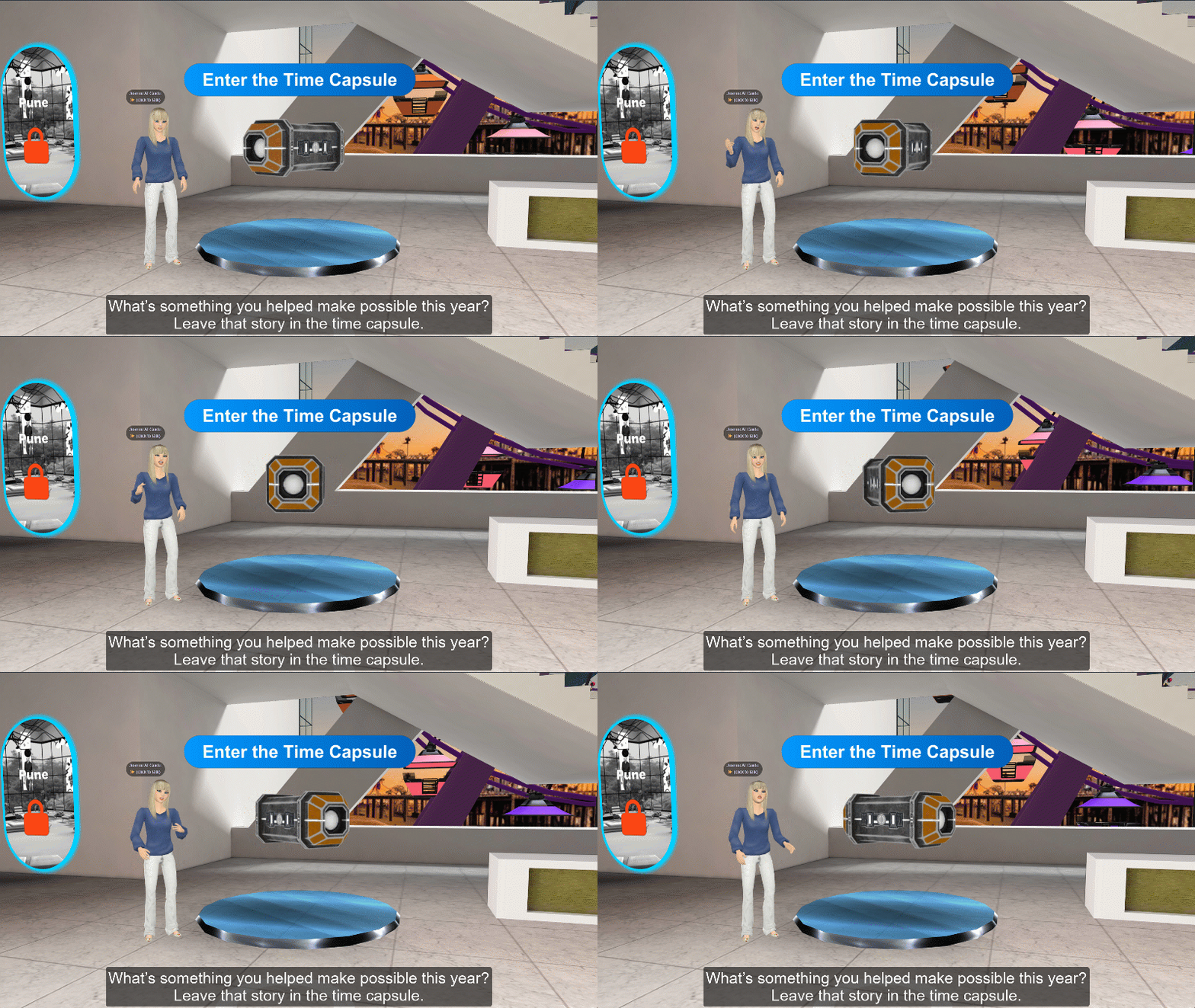
“What’s something you helped make possible this year? Leave that story in the time capsule.”
Close the event and listen to the feedback
Thank the hosts and contributors, finish the planned programme on time and make any remaining social time optional.
Send a short survey using Somebody AI, Microsoft Forms or Google Forms, with three questions:
- Was joining straightforward?
- Did you have enough time to talk?
- What would you keep or change next year?
For anonymous feedback, turn off name or email collection as applicable and avoid questions that identify a person or a very small team. Test the form with a colleague and check the stored response before describing it as anonymous. Keep the results private to the organisers and explain how you will use them.
Use those answers alongside attendance information to improve the next gathering. For your first planning conversation, bring your preferred date, group size, time zones and a rough running order. Explore MootUp’s virtual end-of-year events and book a walkthrough to see how the venue could fit your team.